
Anthropic
Billed cost per charge from Anthropic's cost reporting, with the model behind it and the currency it was billed in. Where the vendor sends no token reading, tokens read unavailable, not zero.
Collectors read each vendor's billing and your delivery tools. Your admin declares the facts no API holds. The engine joins the two and every page states which sources it had.
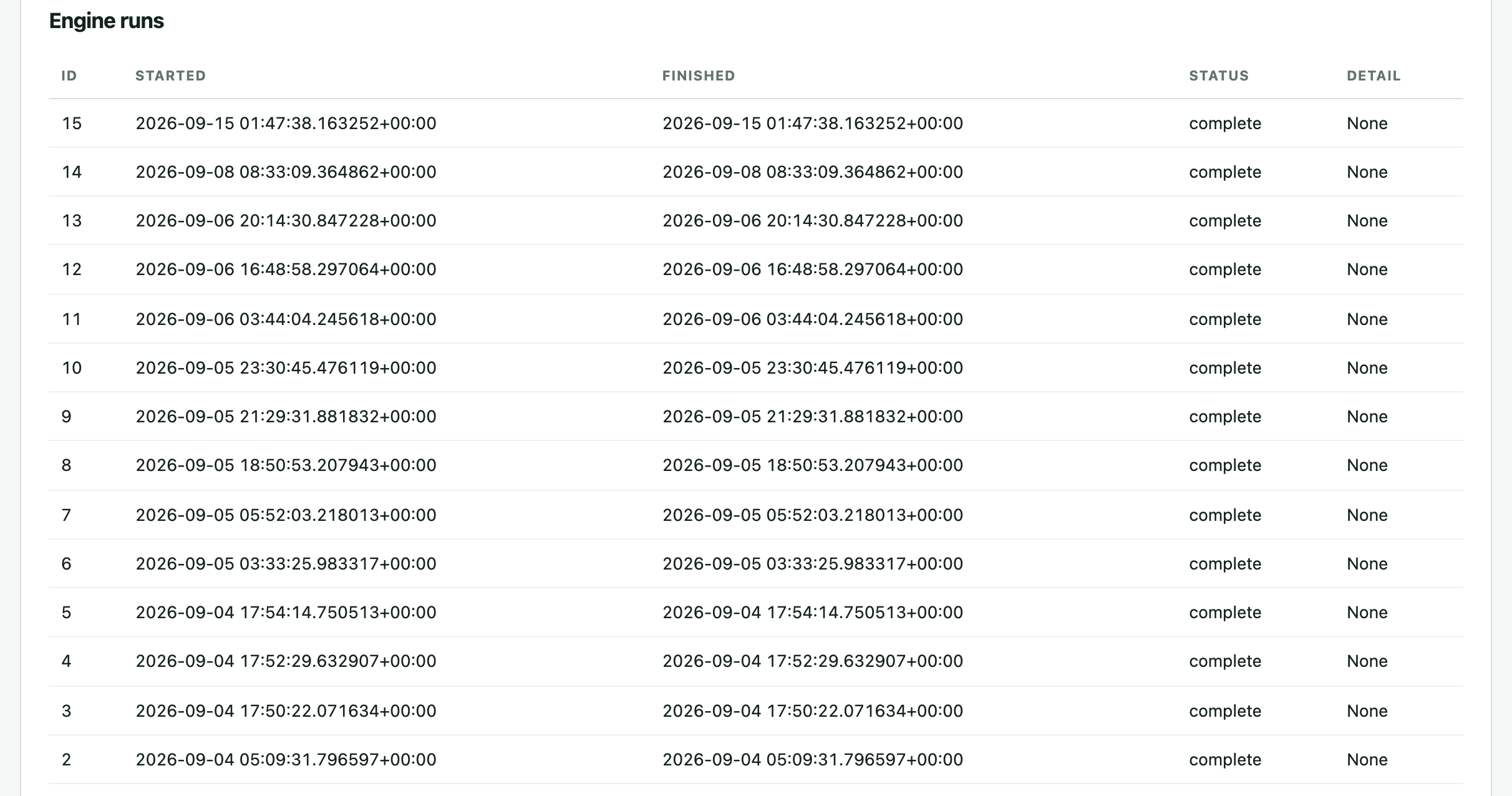
Each install is assigned to a person, and each person's GitHub login is declared as an alias. Spend reaches the person through the first, merged pull requests through the second, and for each person and month the join sets settled spend beside merged work.
Both numbers stay on the page. Nothing blends them into a score, and a month missing either side is left out rather than guessed.
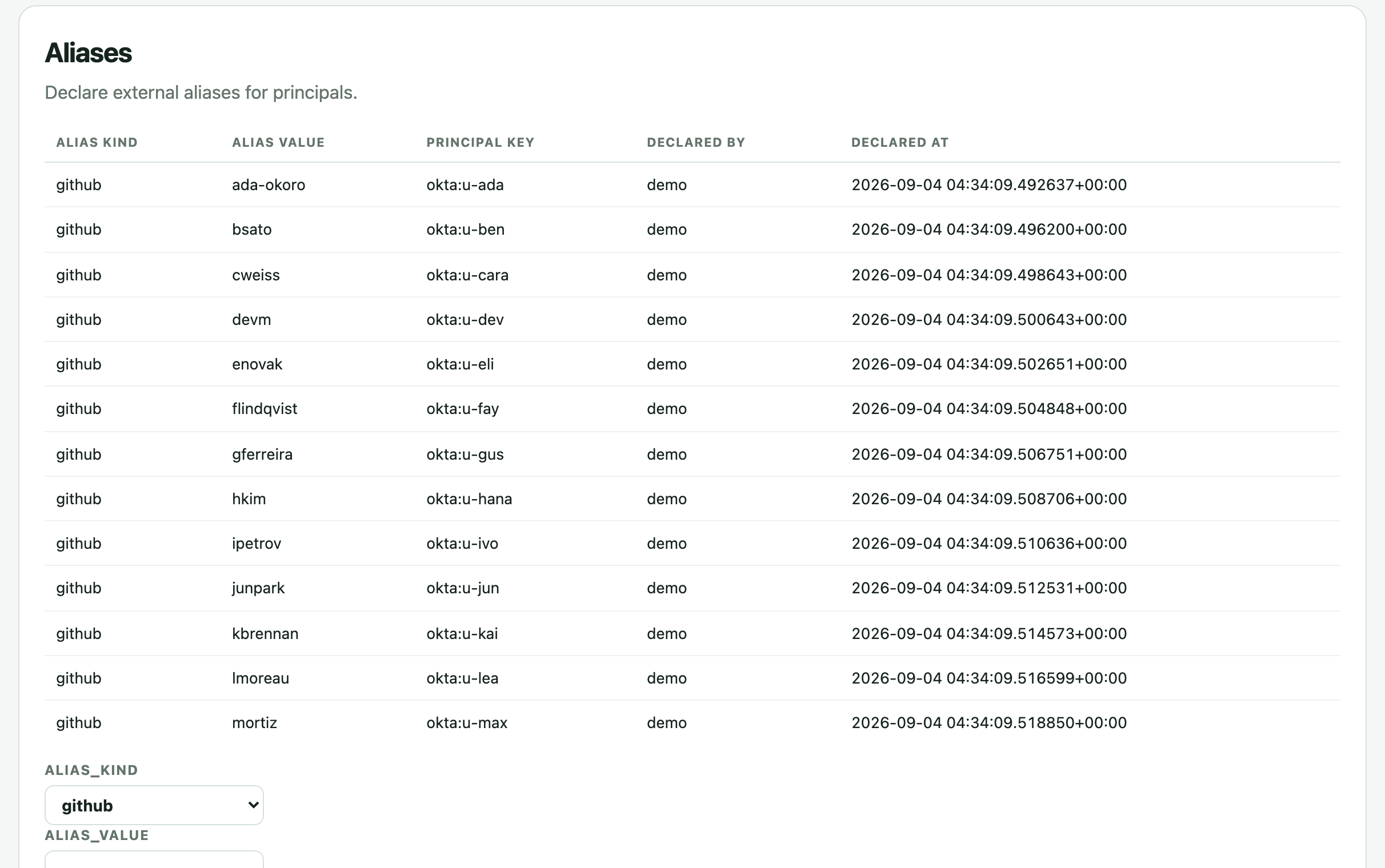
Collectors run on the schedule your admin sets, and each run is logged with its outcome. Here is what each source adds to the record.
Billed cost per charge from Anthropic's cost reporting, with the model behind it and the currency it was billed in. Where the vendor sends no token reading, tokens read unavailable, not zero.
Billed cost and currency from OpenAI's Costs API. It names no model, so OpenAI rows read no model declared instead of borrowing one.
Team spend from Cursor's Admin API, broken down per user, so Cursor cost lands on a person's page beside their other tools.
Seats and usage from GitHub's Copilot APIs. It is the one collector that brings a vendor list price, and it prices seats.
Pull requests and commit statistics: who merged what, and how many lines changed. Metadata only, never the contents of a file. Logins reach people through the aliases you declare.
Issues and epics, so cost can sit beside resolved work and be split across the projects people closed issues in. The split is stated as a share of cost, never as what a project used.
Groups and their members. Finding a group maps nobody; it joins a team only when an admin maps it. Okta also carries enterprise sign-in for Business accounts.
Your own billing exports, for spend no API reaches, filed in the same ledger beside provider billing and corrections. Each row keeps its source, so a figure built from it can name where it came from.
On each Mac: Claude Code session files, Claude desktop sessions, Codex's local database and session files, and Cursor plan usage.
Every source lands in one cost record shaped after the FOCUS billing specification, with the same columns whether ai-cur runs hosted, on your servers or on Databricks.
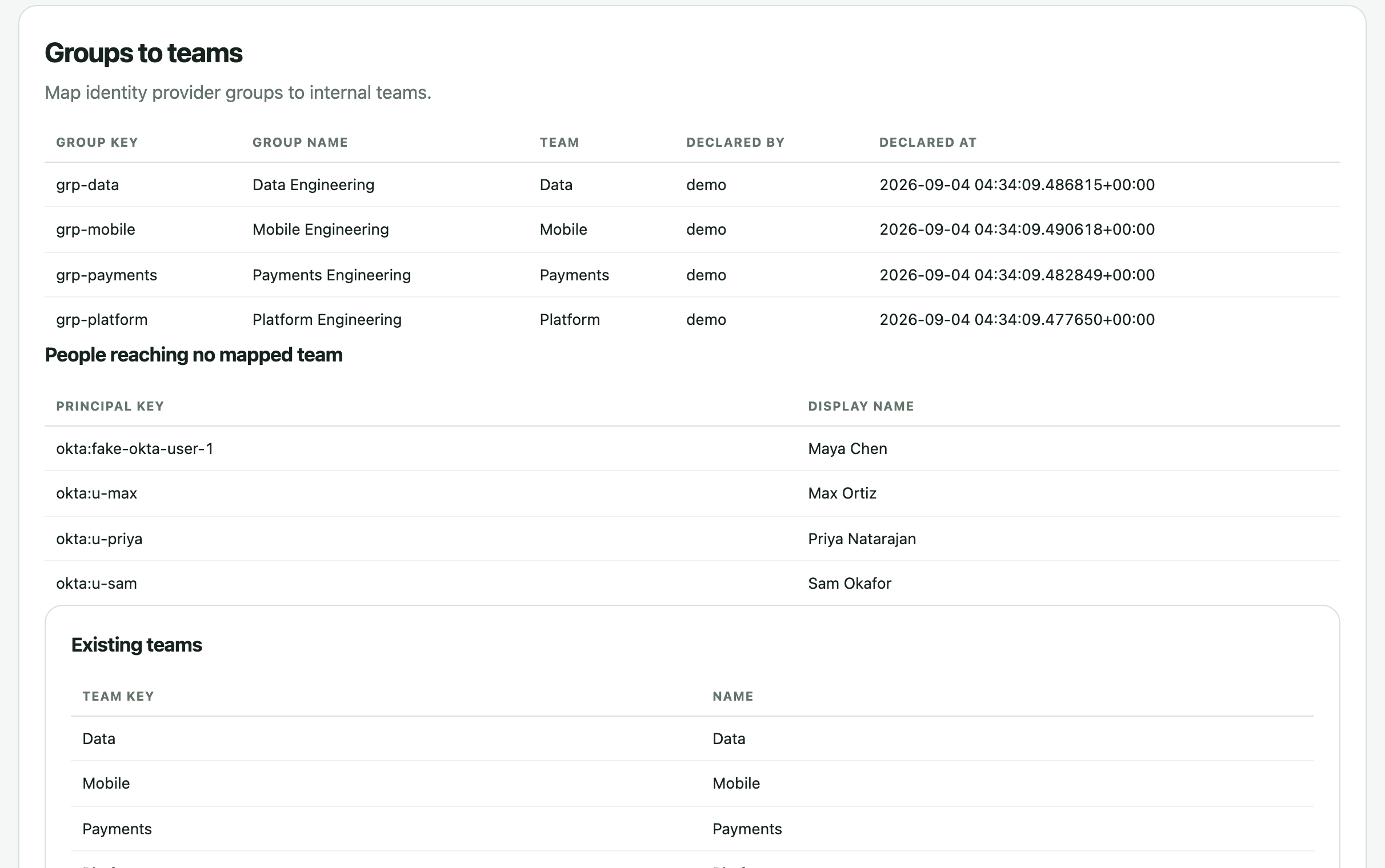
Some facts live in contracts, org charts and policy, not in any API. Your admin declares them on the admin page or from the command line, and every declaration records who made it and when.
Create teams and map each identity provider group to one. People who reach no mapped team are listed, so nobody drops out quietly.
Tie a GitHub login to a person, so the pull requests they merge land beside the spend on their seats and keys. Without an alias, merged work has nobody to sit beside.
Name who holds management, admin or finance. The database checks the role before it returns a single row, so a role nobody declared opens nothing.
A monthly amount for a team or the whole account, its alert thresholds, and soft and hard caps. A blank cap means none declared, not a cap at the full amount.
Budgets that cut across teams, for a project or a person, with caps of their own. A project budget counts each person in full, so these never add up to the account total.
The amount, currency and term of a contract with a provider. Drawdown counts settled charges inside that term only, and a commitment is never inferred from spend.
List prices per provider and model. Plan fit needs one before it can say anything, and no rate card ships with the product.
The smallest roster a team needs before it is compared with teams it is not run by. The roster counts everyone mapped to the team, active or not.
Which plan an account holds, on what term and until when. An admin can declare it; a Team payment declares the same thing, and both land in the signed entitlements the Tracker checks.
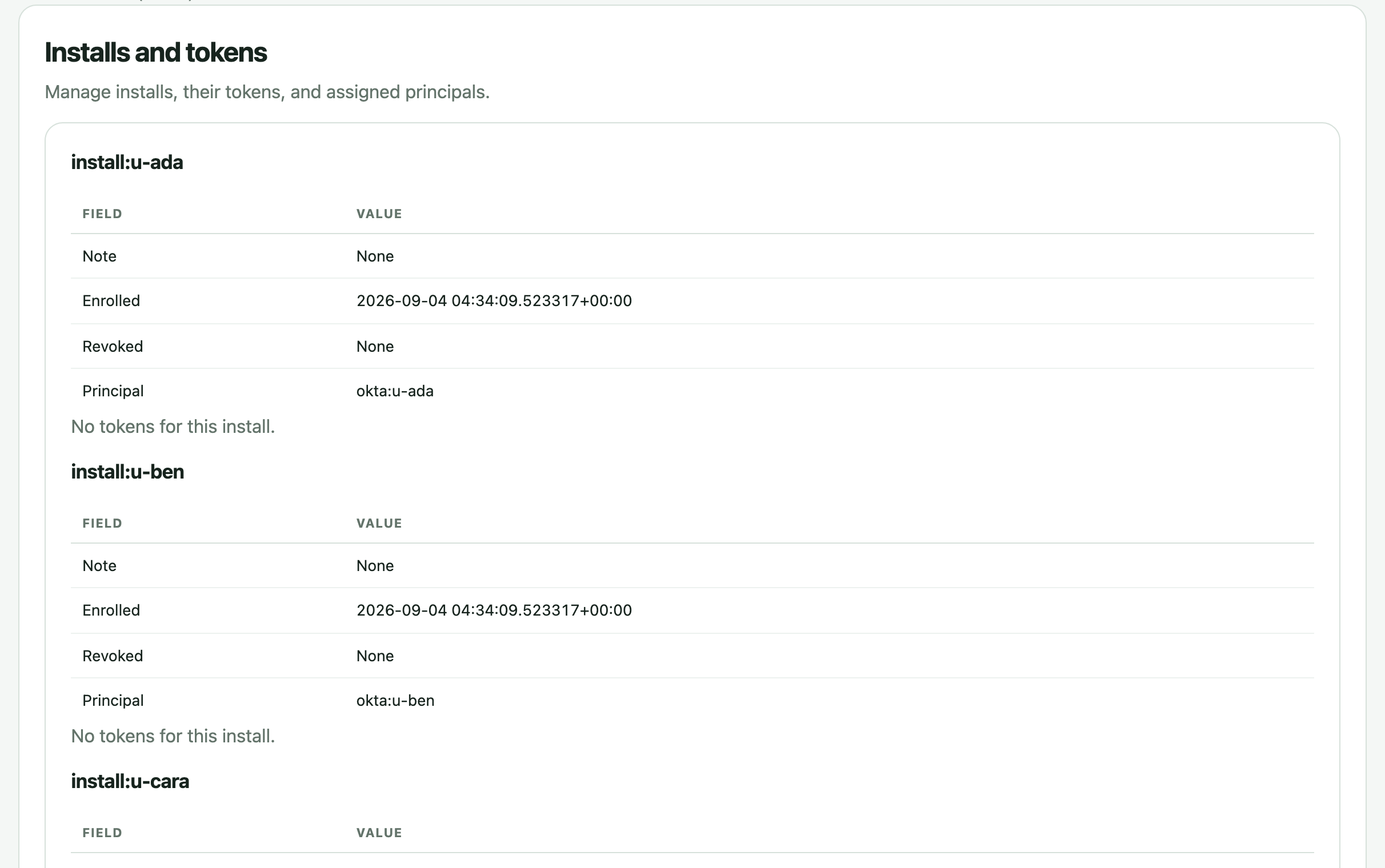
Enroll an install to issue its token, shown once. Rotate it with a short overlap, revoke it at once, and assign each install to its person.





Which lines an assistant wrote is a signal vendors and attribution tools already work on, and ai-cur does not rebuild it.
What it holds is simpler and checkable: one person's settled spend and the same person's merged pull requests, for the same month, side by side. It never credits a tool with the work, and it publishes no attribution accuracy figure because it makes no attribution claim.
Routing to cheaper models, caching and hard limits per key already exist in gateways you can run yourself. ai-cur stays out of the request path and holds no provider key.
It reads the whole bill, including seats no proxy ever sees, and serves the cap decision for each team, project or person at an endpoint your gateway or key issuer checks.

Declare your teams and vendors once, and every view above reads from that declaration instead of a guess.