
Sixty days of Team. No card.
Sign up with a work email, Google or Microsoft. Your own numbers and the whole Tracker cost nothing, and the team view runs for sixty days before anyone decides anything.
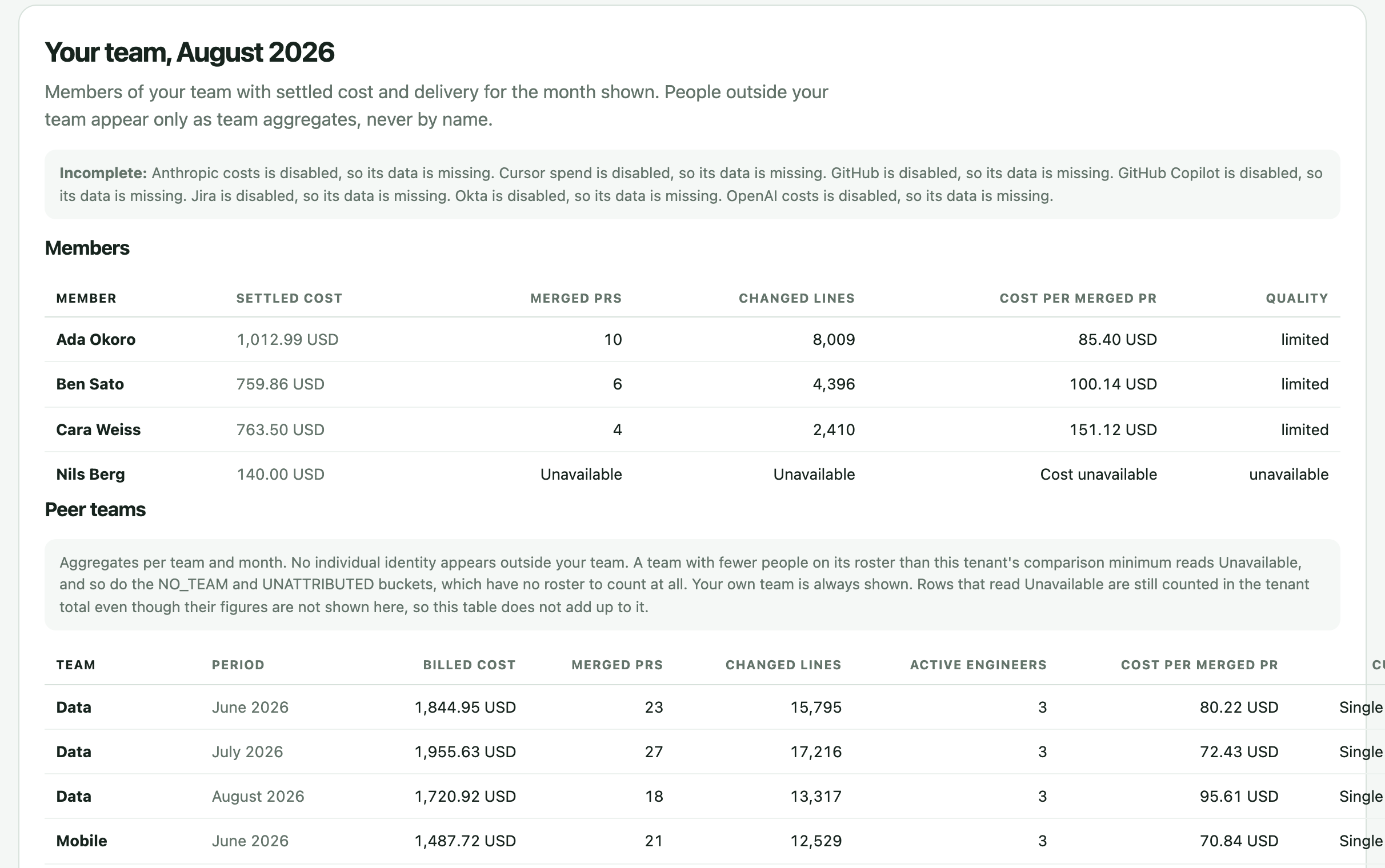
What happens after you sign up.
1. Your own numbers first
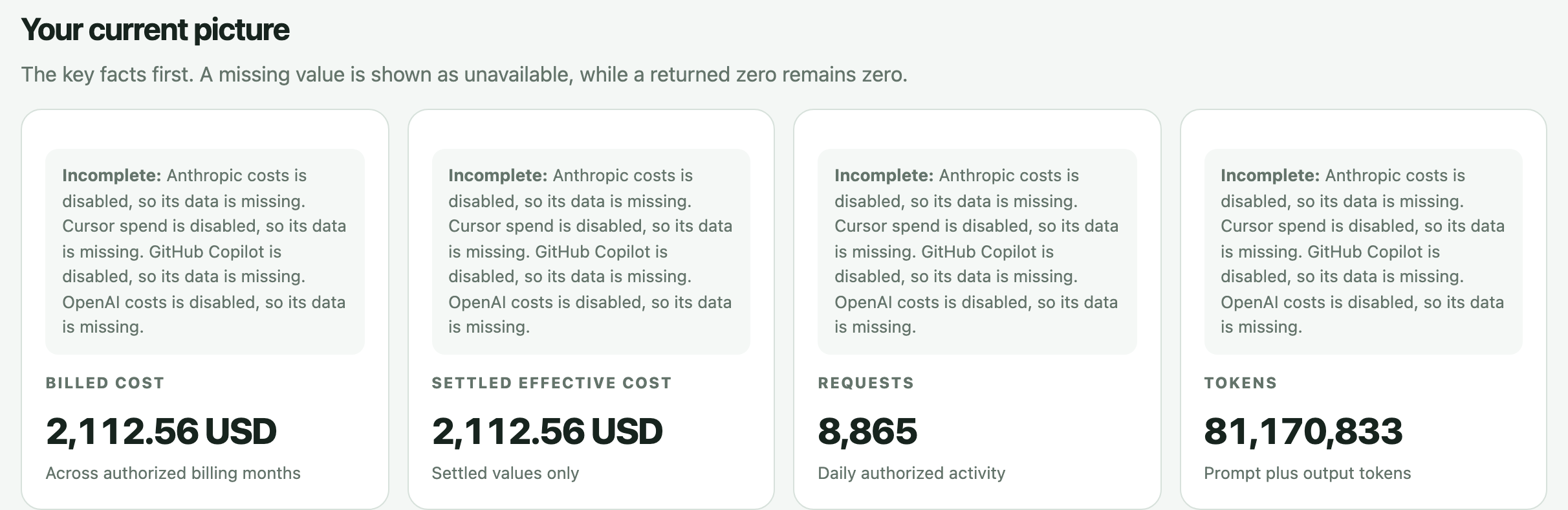
The account opens on you: install the free Tracker and your spend, seats and merged pull requests fill in from your own Mac and the vendors you connect.
2. Invite the team
Send invites from the organization page. When a teammate accepts, the account becomes a team and the team view appears with its totals.
3. Start Team
From the billing page, one click starts Team for sixty days. No card is asked for, and there is one trial per team.
4. Nothing converts on its own
When the sixty days end without a card, the subscription ends by itself and nothing is charged. Your metrics stay; the Team controls close until you choose a plan.
What the sixty days open.
Idle seats and seat waste per person and provider. Plan fit against list prices. Budgets, soft and hard caps, and the alerts behind them. Cost per merged pull request with its cohort. The finance view, the export, and history past ninety days.
Every one of them is described on the product page, with the screen that answers it, and priced on the pricing page.
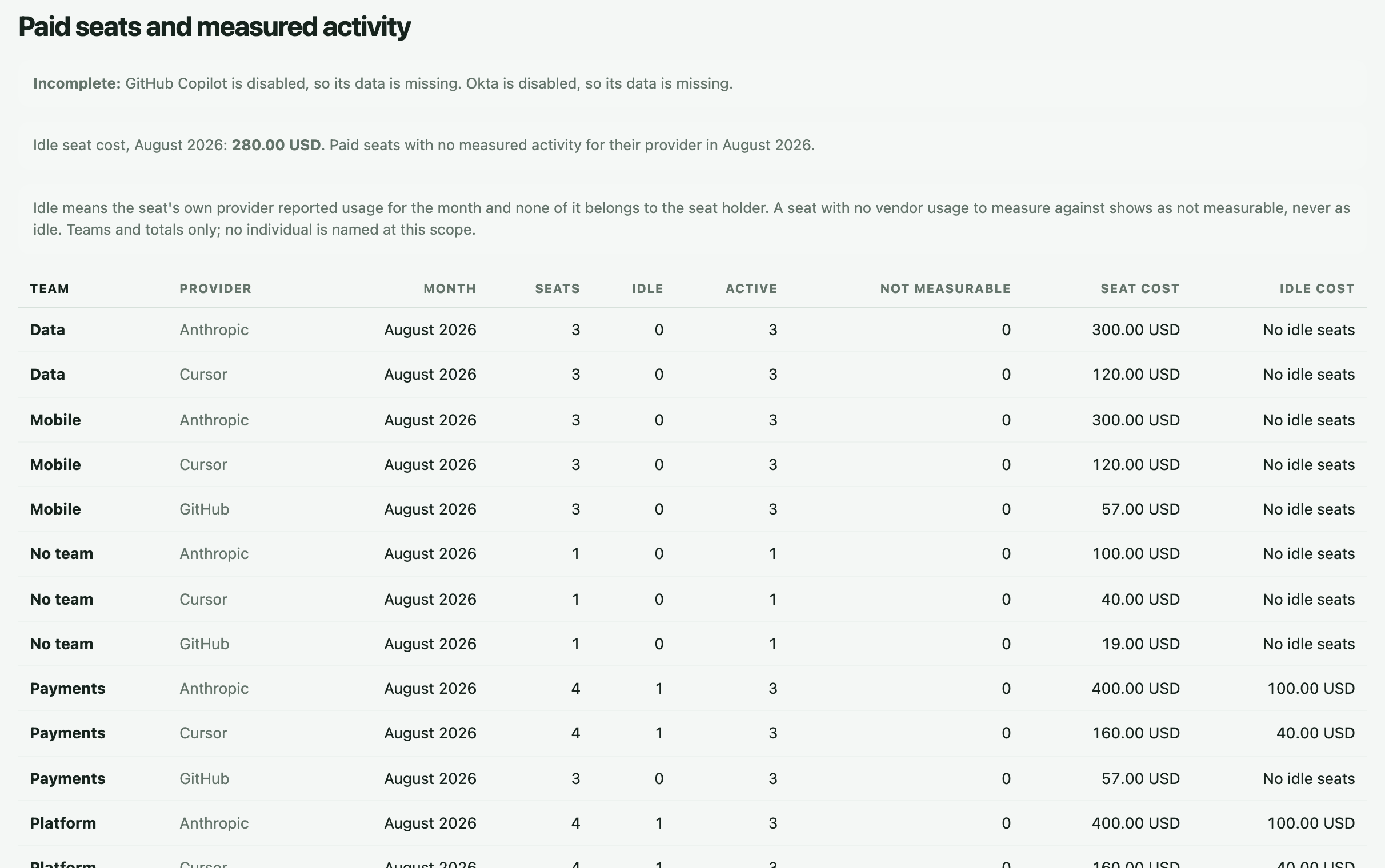
What stays free, trial or not.
- The whole Tracker, from the public repository, on your own machine.
- Your own spend by provider and model, your seats, your installs and your merged pull requests, hosted.
- Team totals as teammates install, so the case for Team is visible before you start it.
- Export of everything held about you, and a governed deletion when you leave.
Rather be shown first?
Bring your vendor list and your teams to a walkthrough and we set it up on your data while you watch.